

Let’s get one thing straight: buying your first CNC machine is a lot like buying your first truck. You don’t need the biggest one on the lot, you don’t need every option package, and if some salesman tries to talk you into a machine that does everything, walk away. What you need is the right tool for the job you’re actually going to do — not the job you imagine you might do someday if you win the lottery.
Talk to enough people who work with their hands — welders, machinists, woodworkers, garage tinkerers who turned a hobby into something real — and a pattern emerges fast. Nearly all of them have a story about a piece of equipment they bought too fast, too cheap, or too big. This guide exists so you don’t add yours to that pile.
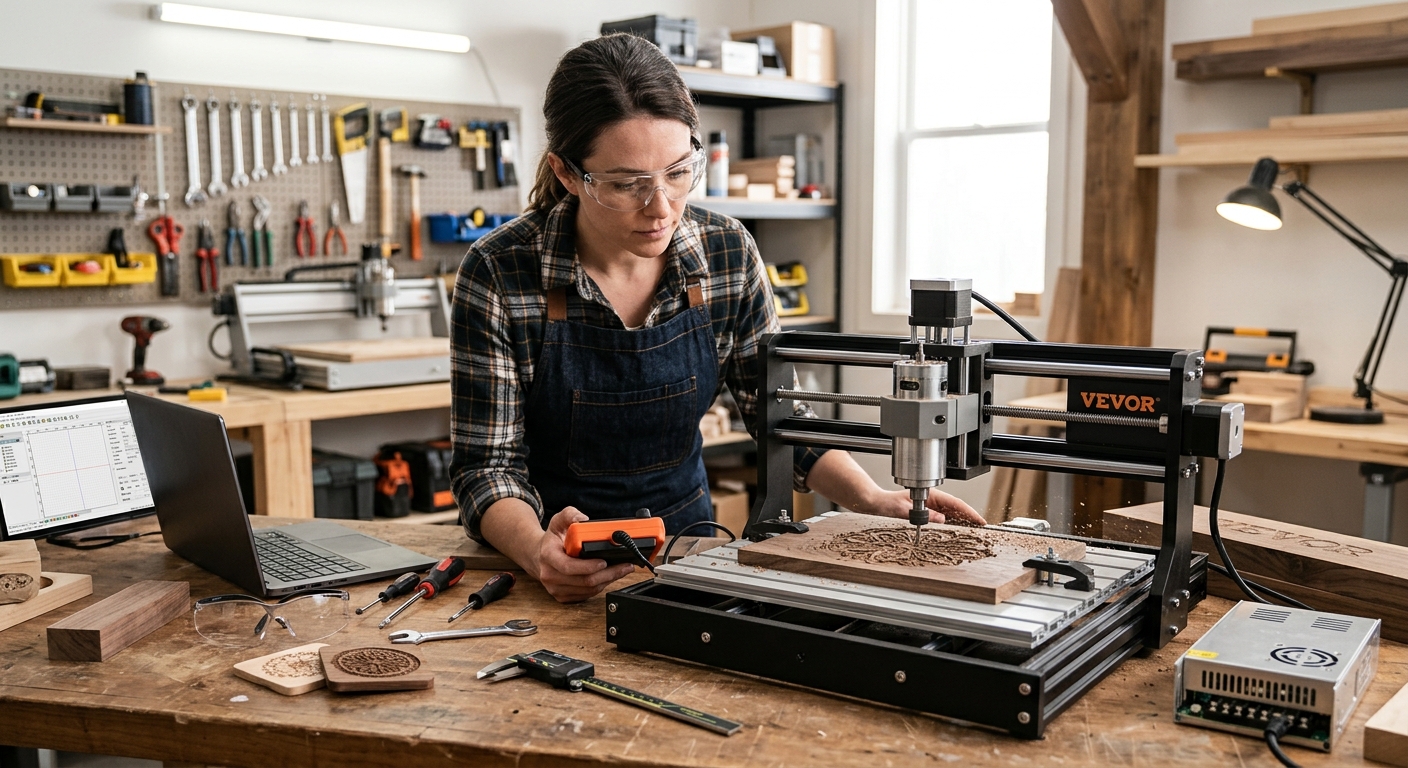
We’ll walk through what CNC machines actually do, what separates a smart beginner purchase from a regrettable one, and which specific machines — at every price point — are worth your hard-earned money right now. Every machine mentioned here is currently available from a manufacturer that’s still in business.
Why the Right Beginner Machine Matters More Than You’d Think
Here’s the thing nobody tells you when you’re shopping for your first CNC machine: the machine you buy shapes the projects you’re able to take on, not the other way around. Buy something too small, and you’ll spend your first six months frustrated by a work area that can’t fit the sign you wanted to carve. Buy something too big or too complicated, and you’ll spend those same six months lost in menus and troubleshooting forums instead of actually cutting anything.
CNC — Computer Numerical Control — machines follow digital instructions to cut, carve, or engrave material with a level of precision that would take years of hand-tool practice to match. That’s the appeal. You don’t need decades of machining experience. You need a design, some patience, and a machine that matches what you’re trying to do.
Price ranges in this market run wide. You can get into a legitimate CNC machine for well under $500. You can also spend $15,000 on a machine built for daily production work. Neither one is “better” in some universal sense — they’re built for completely different jobs. A weekend hobbyist cutting coasters and signs has no business spending five figures. A small shop owner trying to run daily production work has no business trying to make do with a budget desktop unit. Knowing where you actually fall on that spectrum, before you swipe the credit card, will save you money and frustration in equal measure.
What to Look for in a Beginner CNC Machine
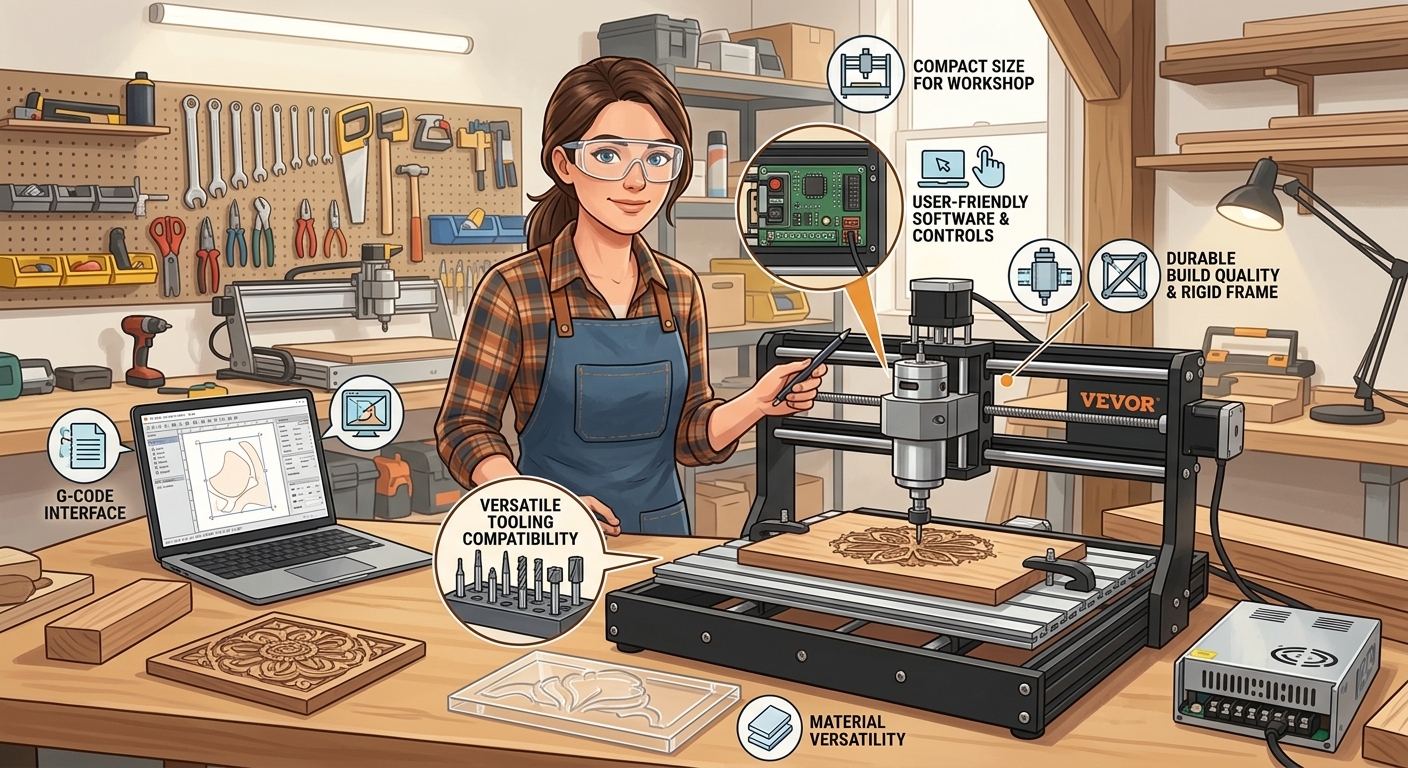
Before you fall in love with a spec sheet, work through these five considerations. They’ll do more for your buying decision than any single feature ever will.
Work Area Size
This is the maximum size of material your machine can cut in one pass — length, width, and depth. Think hard about the biggest project you’re realistically going to tackle, not the biggest project you can imagine in your head. A 12×12-inch work area is plenty for coasters, small signs, and jewelry. It’s useless for cabinet doors. Buy for the work you’ll actually do in the first year, not the fantasy project you’ll get to eventually.
Material Compatibility
Most beginner CNC routers handle wood, plywood, MDF, acrylic, and other plastics without complaint. Some can take a light pass at aluminum or brass. Almost none of them — at the beginner price point — are built to cut steel. If you know you want to work in metal, that single fact should be steering your entire search, because it eliminates the majority of machines in this category.
Ease of Use and the Learning Curve
Some machines show up mostly assembled and get you cutting within a day. Others arrive as a box of parts and a set of instructions that assume you already know what a stepper motor is. Neither approach is wrong, but you need to be honest about which one you’re signed up for. A strong user community and clear documentation make a bigger difference here than almost any hardware spec.
Software and Community Support
You’ll need design software and software to convert that design into machine instructions. Free, open-source tools like Candle and Grbl work fine with many budget machines. Paid ecosystems like Carbide Create or Easel lower the learning curve considerably. Before you buy, check whether the machine has an active user community — that community is where you’ll get your questions answered at 11 p.m. when the manual doesn’t cover your specific problem.
Budget — the Real Number, Not Just the Sticker Price
The machine price is the beginning of the conversation, not the end of it. Bits, workholding, dust collection, software, and safety gear are all real costs you’ll pay whether or not anyone mentions them on the product page. Plan for them now instead of discovering them later.
Budget-Friendly CNC Machines (Under $500)
This is where most people start, and for good reason. A budget CNC machine won’t cut you a career, but it will teach you the fundamentals — how the machine moves, how to set up a job, how to troubleshoot when things go sideways (and with a budget machine, something eventually will). Think of this tier as an apprenticeship, not a final destination.
1. VEVOR 3018-PRO CNC Router
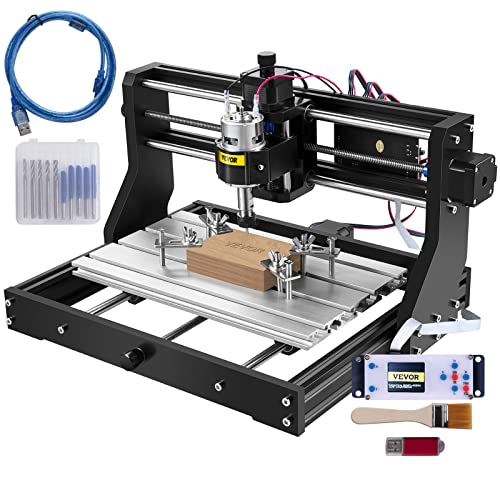
VEVOR is a well-respected manufacturer, and their 3018-PRO CNC Router is one of the more popular entry points on Amazon right now. It’s a 3-axis desktop machine with a 300 x 180 x 40 mm working area, a 60W spindle, and an aluminum alloy frame that holds up reasonably well for the price. It handles wood, soft plastics, and PCB engraving without complaint — don’t ask it to touch aluminum, because that’s not what it’s built for. What it does offer is a large, active hobbyist community, which means troubleshooting help, free project files, and tutorials are never more than a quick search away. If you want to learn what a CNC machine actually does without risking real money, this is a sensible place to start.
- Working area: 300 x 180 x 40 mm
- Spindle: 60W
- Materials: Wood, soft plastic, PCB engraving
- Manufacturer status: Active (vevor.com)
- Available at: VEVOR’s Website
2. SainSmart Genmitsu 3018-PROVer V2
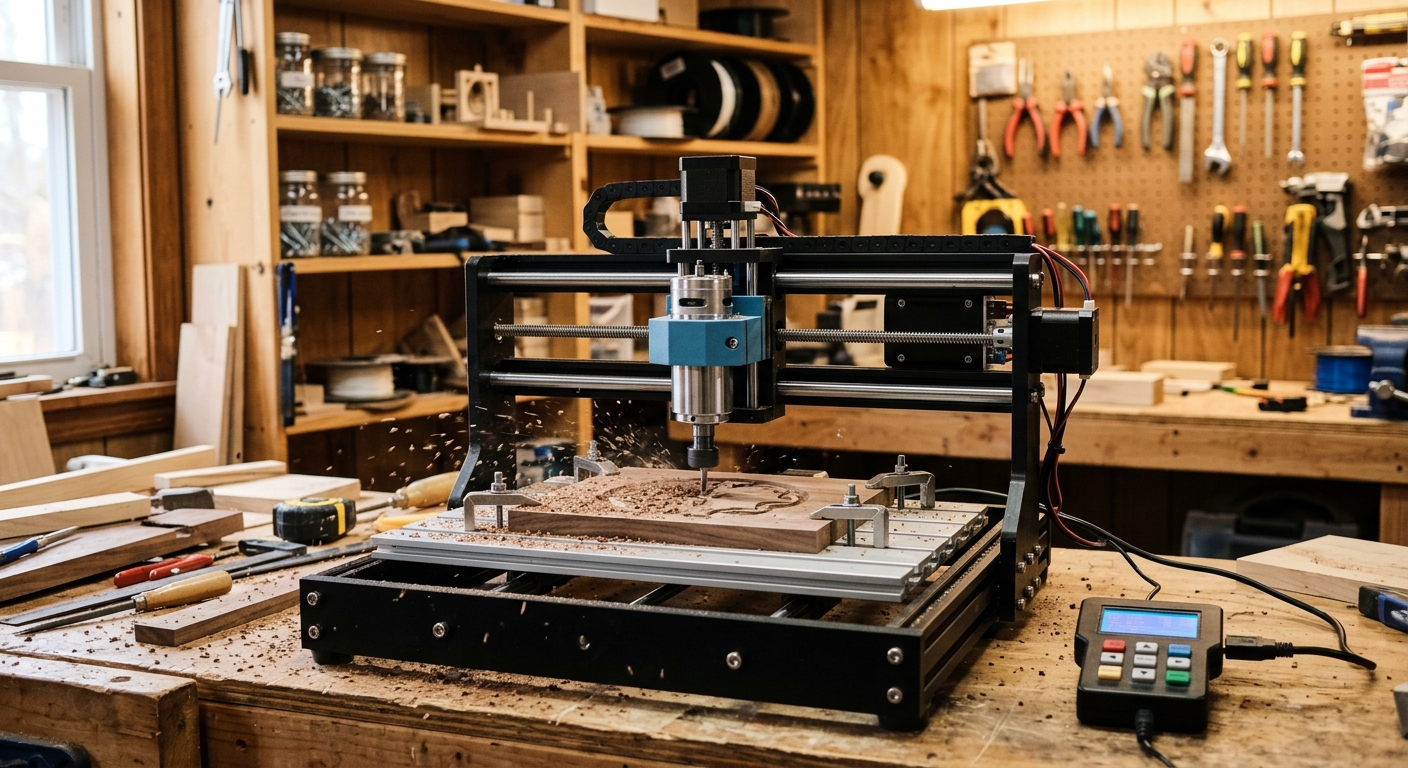
The Genmitsu 3018-PROVer V2 is built with learning in mind. It includes an offline controller so you can run jobs without tethering to a computer, plus an emergency stop button — a small feature beginners come to appreciate the first time they actually need it. It ships mostly pre-assembled and runs on Candle and Grbl-based software, about as beginner-friendly as open-source CNC control gets. SainSmart backs the machine with solid documentation and an engaged community, which matters more than any spec on this list when you’re stuck at 9 p.m. trying to figure out why your bit just snapped.
- Working area: 300 x 180 x 45 mm
- Extras: Offline controller, emergency stop
- Software: Candle, Grbl
- Manufacturer status: Active (sainsmart.com)
- Available at: Amazon
Mid-Range CNC Machines ($500–$2,000)
This is the tier where things start to get serious. These machines trade some of the budget-class charm for real precision, larger work areas, and the durability to take on paying side work without falling apart halfway through a job. If you’ve already got a budget machine and you’re outgrowing it, this is your next stop.
3. FoxAlien Masuter Pro
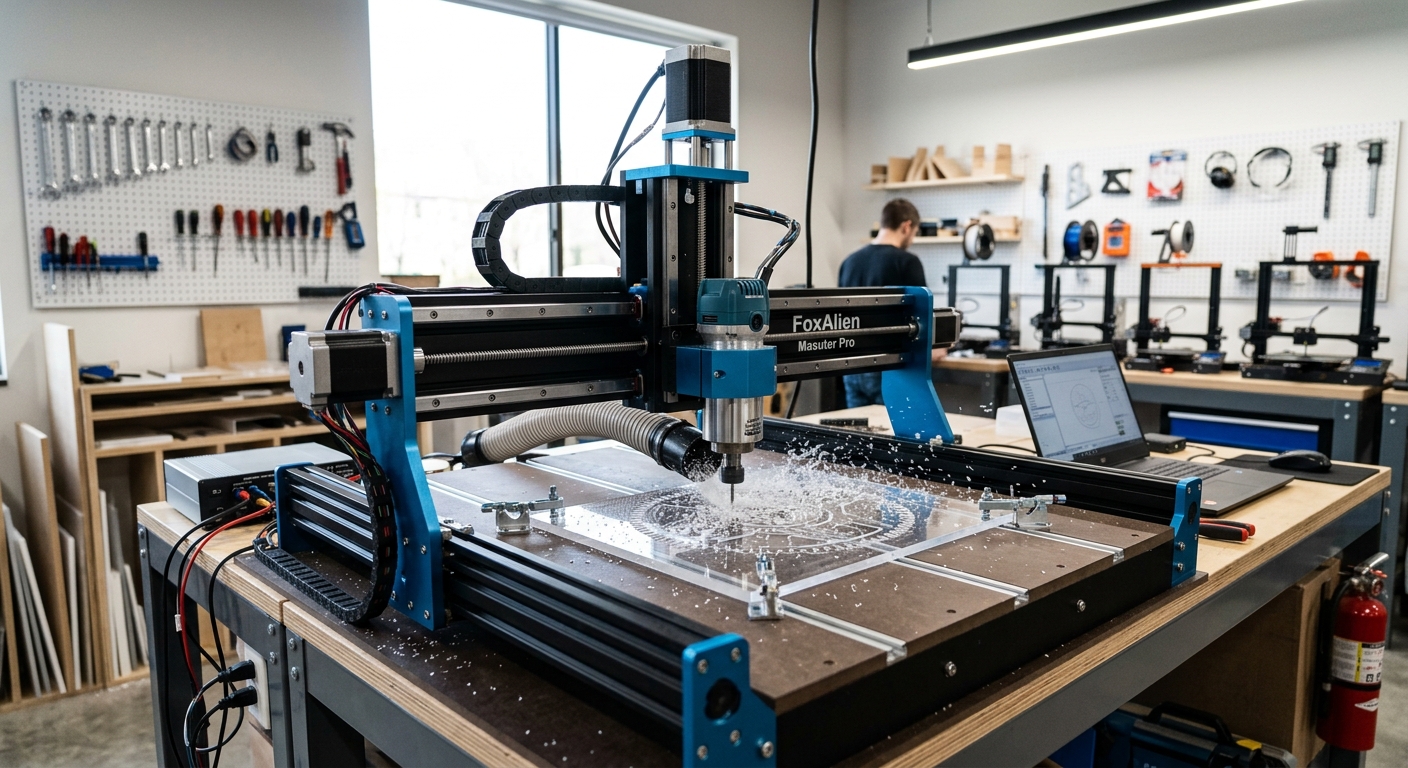
FoxAlien is an active manufacturer with a current product lineup and an engaged user community built around its machines. The Masuter Pro handles wood, acrylic, MDF, plastics, and even light passes on brass and aluminum, thanks to an 800W router spindle that punches well above its price class. The aluminum frame is sturdy, and the machine ships largely pre-assembled — a real advantage if you don’t want to spend a weekend just getting to your first cut. For anyone who’s worked with a smaller desktop unit and wants more capability without jumping to a $1,500 machine, this is a sensible next step.
- Spindle: 800W trimmer router
- Materials: Wood, acrylic, MDF, plastics, brass, aluminum (light passes)
- Manufacturer status: Active (foxalien.com)
- Available at: Amazon
4. SainSmart Genmitsu 4040-PRO CNC Router
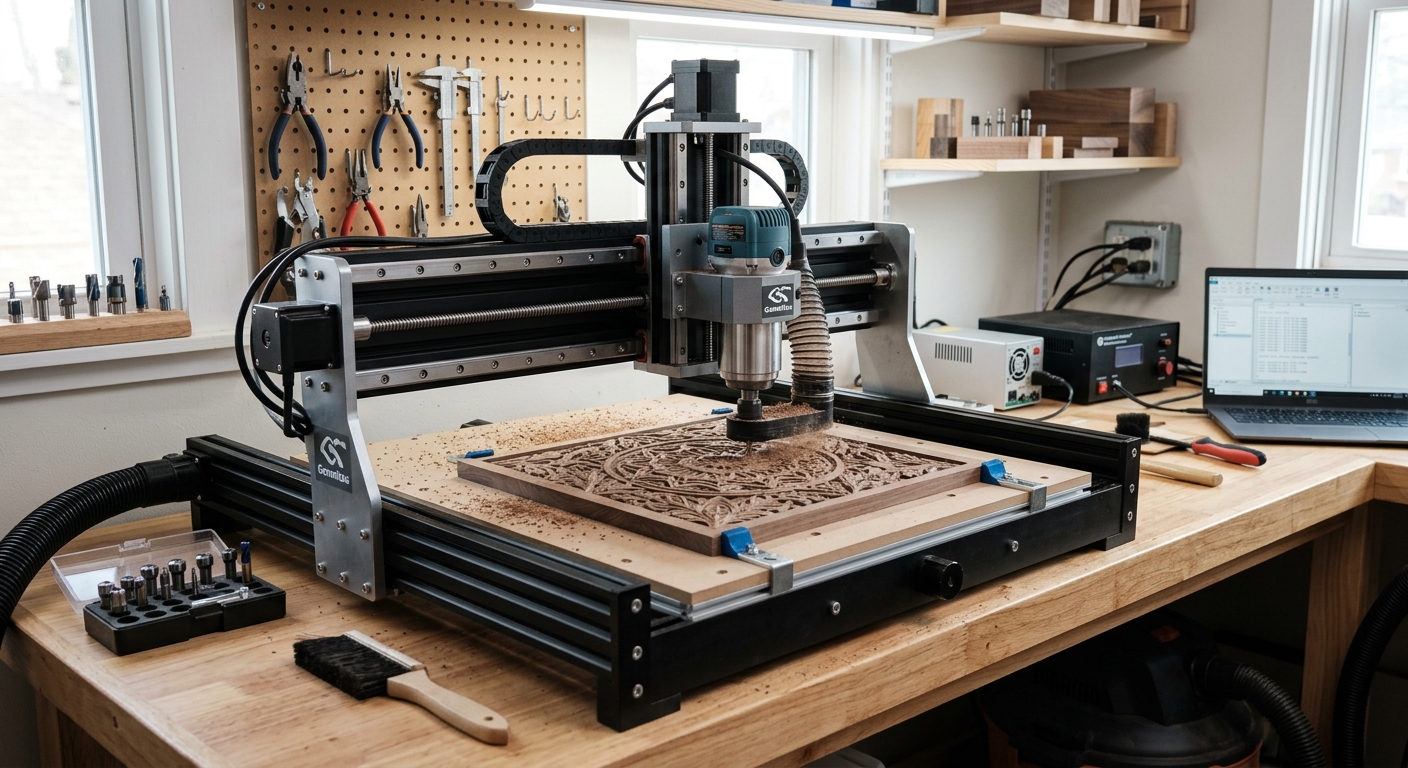
The Genmitsu 4040-PRO offers a 400 x 400 mm working area — more than double the footprint of a standard 3018 — while staying compact enough for a workbench. It’s compatible with Candle and Grbl, and it supports a wide range of accessories, including laser engraving modules. For hobbyists working on larger signs, panels, or enclosures, that extra cutting area makes a real difference. This machine hits a sweet spot between budget units and full mid-range routers without demanding a big justification to the household budget.
- Working area: 400 x 400 mm
- Frame: Aluminum alloy
- Software: Candle, Grbl
- Manufacturer status: Active (sainsmart.com)
- Available at: Amazon
5. SainSmart Genmitsu PROVerXL 4030S
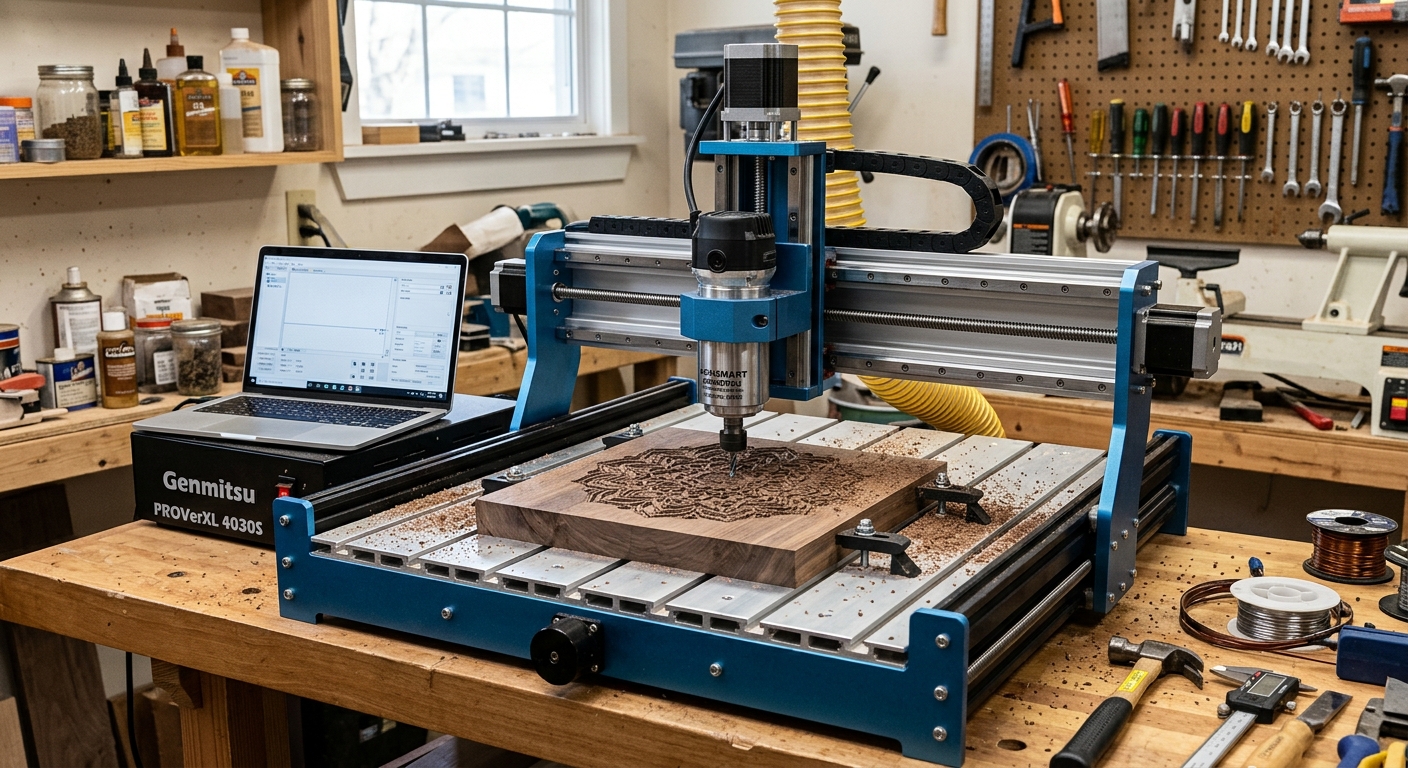
The Genmitsu PROVerXL 4030s is SainSmart’s meaningful step up from the 3018 line. It features a larger working area, a more rigid frame, and enough spindle power to handle wood, acrylic, and softer plastics with confidence. It’s a logical upgrade for anyone already comfortable with Grbl-based control software who wants more room to work without jumping into an entirely new ecosystem. The brand’s active user base means you’re not on your own when you hit a snag.
- Working area: Approximately 400 x 300 mm
- Software: Candle, Grbl
- Materials: Wood, acrylic, soft plastics
- Manufacturer status: Active (sainsmart.com)
- Available at: Amazon
6. Inventables X-Carve Pro
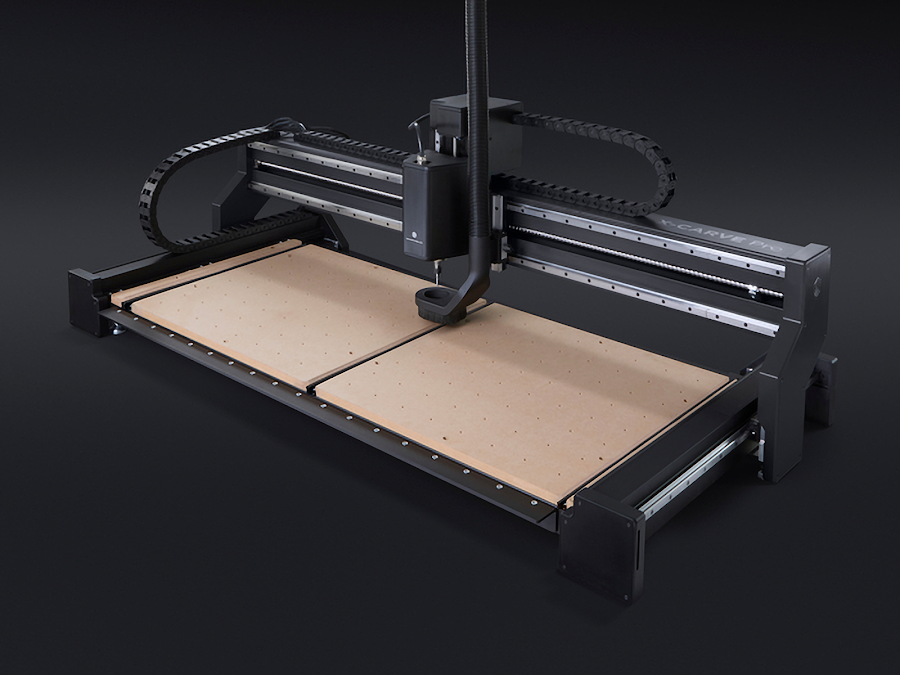
Inventables is an active company, and the X-Carve Pro is its current flagship offering for hobbyists and small production shops. Inventables built the X-Carve line alongside its browser-based Easel software, and that pairing remains one of the friendliest entry points into serious CNC routing. Easel handles design and CAM in a single interface, which lowers the barrier to running your first job considerably. The X-Carve Pro handles wood, plastics, leather, and soft metals, and it benefits from one of the largest, most active user communities in the hobbyist CNC space. For anyone who wants to actually sell what they make — signs, gifts, home décor — the X-Carve ecosystem is hard to beat for getting started fast.
- Software: Easel (browser-based, free to start)
- Materials: Wood, plastic, leather, soft metals
- Manufacturer status: Active (inventables.com)
- Available at: Inventables directly
7. Carbide 3D Shapeoko 5.1 Pro
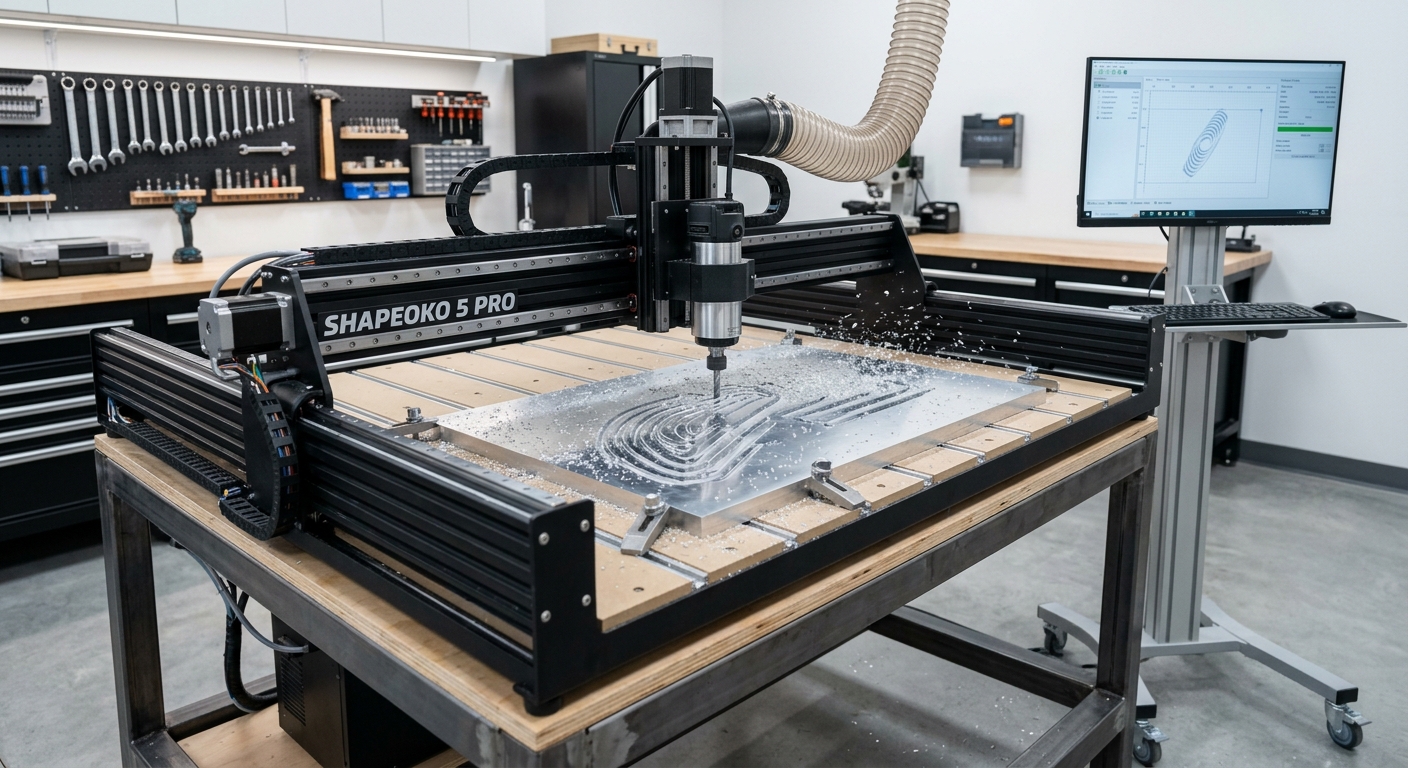
Carbide 3D is a well-established, active manufacturer, and the Shapeoko 5.1 Pro is their current production model — the successor to the Shapeoko 4. It’s a belt-driven router with a robust aluminum frame, a generous cutting area, and broad compatibility with both Carbide 3D’s own software ecosystem (Carbide Motion and Carbide Create) and popular third-party CAM tools. It handles wood, plastics, and aluminum with confidence. Carbide 3D has a strong reputation for customer support and an unusually thorough documentation library, which counts for a lot when you’re still learning the ropes. If you’re serious about CNC as a long-term hobby or the beginning of a small business, this is one of the strongest platforms available at this price.
- Frame: Aluminum extrusion
- Materials: Wood, plastics, aluminum
- Software: Carbide Motion, Carbide Create, third-party CAM compatible
- Manufacturer status: Active (carbide3d.com)
- Available at: ToolsToday.com
Premium Beginner CNC Machines ($2,000–$7,000)
This tier is for people who’ve already figured out what they want to make and are ready to invest in a machine that produces professional-quality results without requiring professional-level operating skill. These aren’t toys, and they aren’t cheap, but they close the gap between hobby project and small production run.
8. SainSmart Genmitsu PROVerXL 6050 Plus
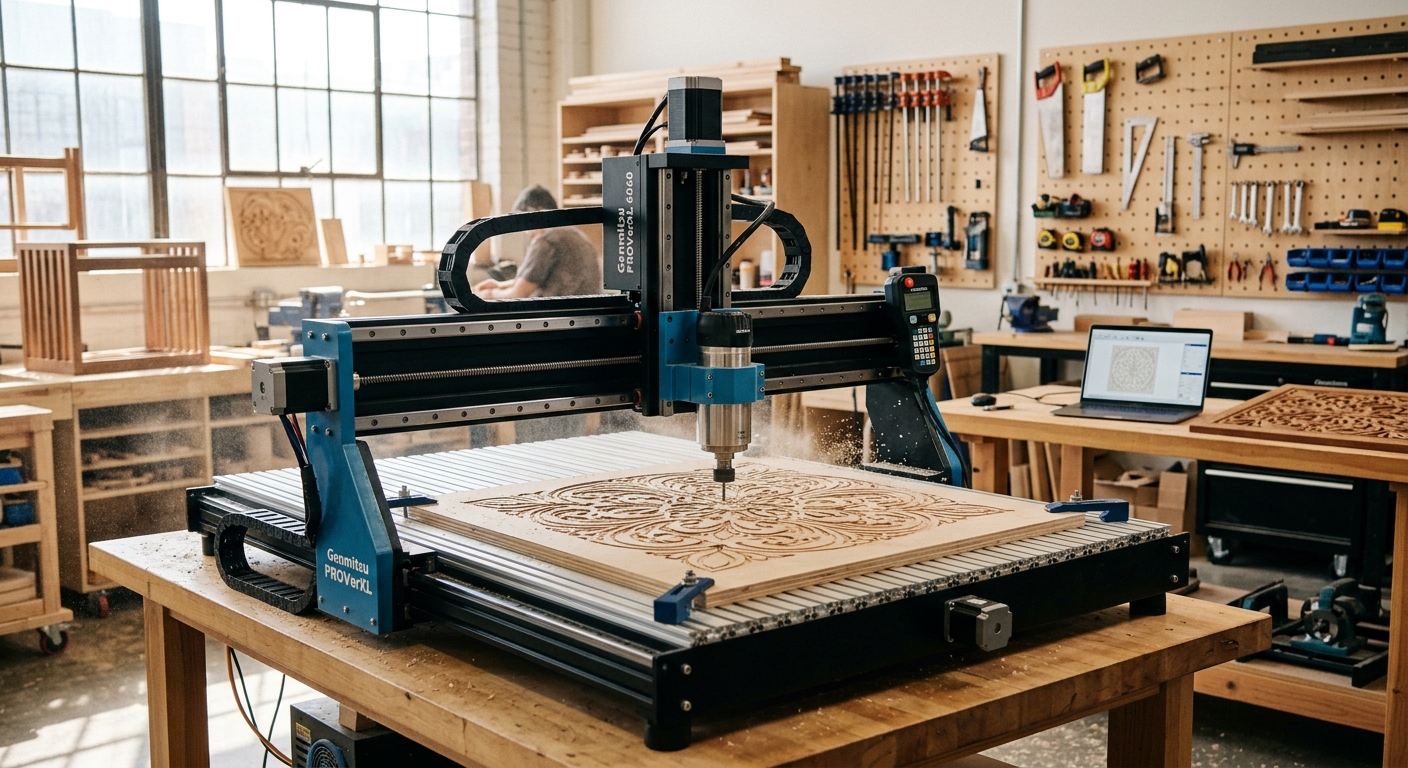
The Genmitsu PROVerXL 6050 Plus is a substantial jump in capability from SainSmart’s smaller machines — a large 23.62″ x 19.69″ x 4.53″ working area paired with a beefier frame designed to stay rigid under real cutting loads. It handles wood, acrylic, and plastics well, and its size makes it a legitimate option for anyone producing larger signage, furniture components, or small-batch work rather than one-off hobby pieces. It bridges the gap between hobbyist desktop routers and full production machines without demanding a five-figure budget.
- Working area: 600 x 600 mm
- Materials: Wood, acrylic, plastics
- Best for: Larger projects and small-batch work
- Manufacturer status: Active (sainsmart.com)
- Available at: Amazon
9. Bantam Tools Desktop CNC Milling Machine
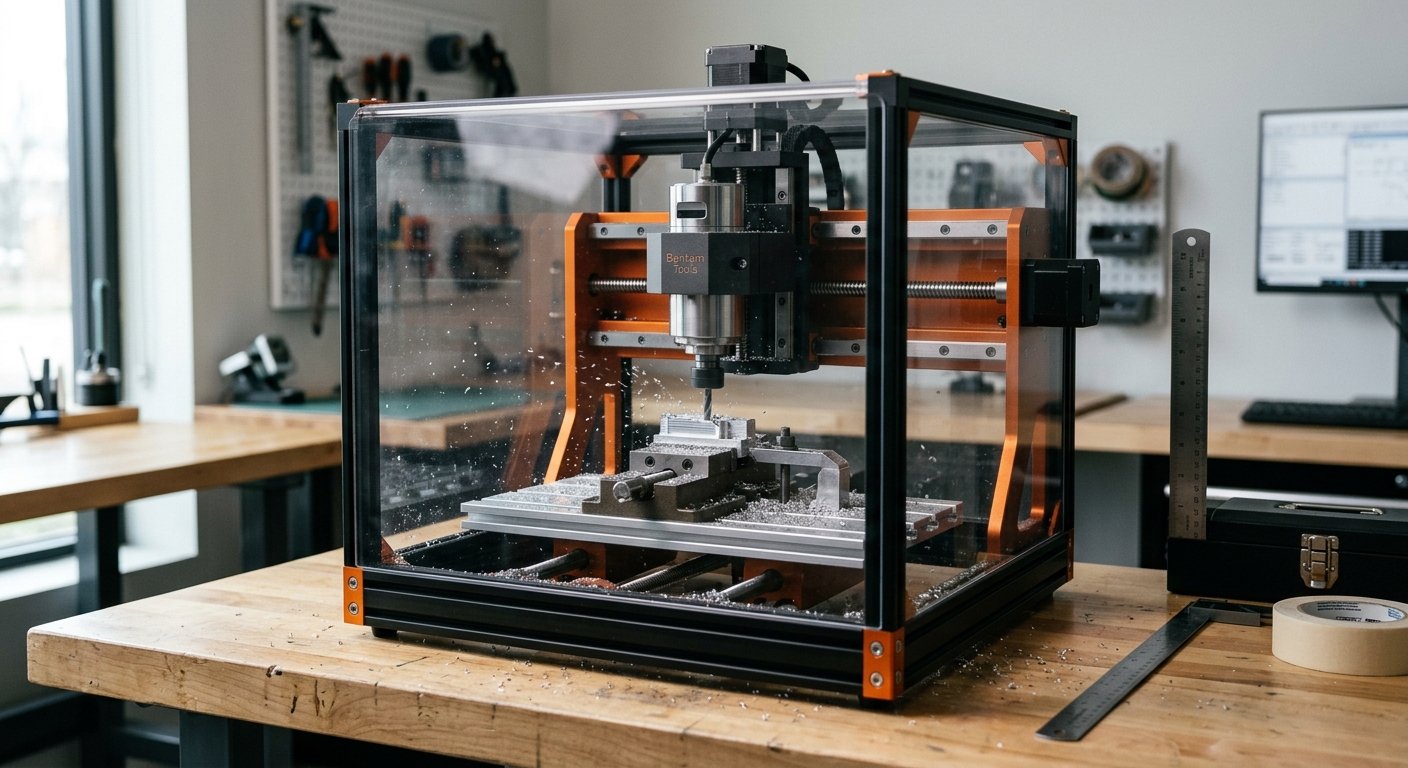
Bantam Tools is a U.S.-based manufacturer that’s actively selling and supporting its machines. The Desktop CNC Milling Machine is a different animal entirely from the routers above — it’s a compact milling machine built for high-precision work on small parts: circuit boards, prototypes, enclosures, and custom components. With a 28,000 RPM spindle and a 7″ x 9″ x 3.3″ working area, it delivers a level of accuracy that budget and mid-range routers can’t match, all in a footprint that fits on a desk. This isn’t the machine for a big sign or a cutting board. It’s the machine for someone who needs a small part made right, consistently, every single time — engineers, educators, and small-scale manufacturers who value precision over cutting area.
- Spindle: 28,000 RPM
- Working area: 7″ x 9″ x 3.3″
- Best for: Small precision parts, PCB milling, prototyping
- Manufacturer status: Active (bantamtools.com)
- Available at: Bantam Tools directly
Essential Accessories and Software
Nobody buys a truck without eventually needing a tow hitch, a toolbox, or a decent set of tires. CNC machines work the same way — the sticker price is just the entry fee.
Cutting Bits and End Mills
You’ll go through these. Stock up on a basic assortment: straight cut bits for general work, V-bits for engraving and lettering, and upcut spirals for clean through-cuts. Plan to spend $50 to $200 getting your first set together, depending on the machine and the materials you’re working with.
Workholding
Clamps, double-sided tape, T-track systems, and spoilboards all keep your material from shifting mid-cut — which, if it happens, ruins the job and can damage the machine. Budget $30 to $150 for a solid workholding setup, and don’t skip it to save a few bucks.
Dust Collection
Routing wood and plastic kicks up a surprising amount of fine dust. A shop vacuum or dedicated dust collector connected to your spindle keeps your workspace usable and your lungs much happier. This isn’t optional gear — it’s basic shop hygiene.
Design and CAM Software
You need two things: something to design your part, and something to translate that design into machine instructions — called G-code — that drive the cut. Fusion 360 is free for hobbyists, powerful, and widely used, with integrated CAM built in. Easel, from Inventables, is browser-based and about as approachable as design software gets. On the CAM side, Vectric VCarve is a longtime favorite among woodworkers and sign makers — built specifically for that kind of work, though it comes with a price tag of $350 to $700. Free open-source options like Candle work well with Grbl-based budget machines if you’re not ready to spend on software yet.
Spoilboard Material and Safety Gear
A spoilboard is a sacrificial layer of MDF that takes the abuse instead of your machine’s table. You’ll replace it periodically — budget $20 to $50 per sheet. And don’t skip eye protection, hearing protection, and a dust mask. Budget $30 to $75 for the basics. It’s not exciting gear, but it’s a lot more comfortable than explaining to an ER doctor why you skipped it.
Common Mistakes Beginners Make
Every trade has its rookie mistakes, and CNC machining is no exception. Here are the ones that trip people up most often.
Buying the Wrong Size Machine
This cuts both ways. Buy too small, and you’ll be frustrated within a month when your work area can’t fit the project you actually wanted to make. Buy too big, and you’ll be paying for capacity — and floor space — you’ll never use. Figure out your real projects first, then match the machine to them.
Ignoring Workspace and Safety Considerations
CNC machines throw dust, need clearance to operate safely, and require a stable surface to perform accurately. Setting one up in a cramped corner without proper ventilation or clamping space is asking for bad cuts and a very messy shop.
Underestimating the Software Learning Curve
The machine is only half the equation. Plenty of beginners buy a capable CNC router and then get stuck — not because the hardware failed them, but because they never invested time in learning the design and CAM software that drives it. Budget real time for this, at least a weekend, before you expect to produce anything you’re proud of.
Bringing It All Home
A good CNC machine earns its keep by matching the work you actually do — not the work you imagine doing on your best day. The right beginner machine isn’t the flashiest one on the shelf or the one with the biggest spec sheet. It’s the one that fits your space, your budget, and the projects sitting in front of you right now.
Start with the budget tier if you’re new to this and want to learn the fundamentals without much financial risk. Move to the mid-range tier once you know what you’re making and need more precision, power, or working area to do it well. And save the premium tier for when you’ve got a specific, demanding use case — precision parts, larger production runs — that actually justifies the investment.
Every machine on this list comes from a manufacturer that’s currently active and selling. That matters more than it might seem: parts availability, firmware updates, and community support all depend on the company behind the machine being around to provide them. Whatever you choose, the machine is just the beginning. The real skill — the kind that turns a hobby into a craft — comes from the hours you put in after the box is unpacked.